A brand new channel has no audience, no history, and no reason for the algorithm to push it anywhere. Most growth hacks that promise to fix that get channels banned outright. This one doesn't. It's a native YouTube feature, and it works especially well on new videos.
The feature: collaboration
When you're tagged as a collaborator on a video, YouTube's stated goal is to recommend that video to your audience too, not just the uploader's audience. Your channel name and subscribe button appear right under the video alongside the original creator's, so anyone watching sees both channels at once.
One popular YouTuber, Callaway, ran two channels at the same time: one with almost 500,000 subscribers and another with around 10,000. By collaborating across both, the smaller channel got exposed to the larger channel's full 439,000 subscriber base, and vice versa. That's the mechanic working exactly as intended.
How it actually works
- You can add up to 10 collaborators per video.
- It works on long form videos, Shorts, and archived live streams, though not on live streams while they're actually live.
- It's visible across desktop, mobile, and TV.
Who gets the ad revenue
Revenue isn't split. The uploader keeps 100% of what the video earns. Collaborators get exposure and subscribers, but no ad money, and they can't see the video's analytics either. If you're bringing someone else in on a collaboration, make sure they understand this upfront, the downsides as well as the upsides.
If money is meant to change hands as part of the deal, agree on the split before anyone accepts the invite and handle the payment off platform. YouTube won't manage that part for you.
How to add a collaborator
Go to YouTube Studio, start your upload, and open the details page. Under audience, click show more, and you'll find the collaboration option. Search for the channel you want to add, choose whether to grant analytics access, and create the invite link. Send that link to them directly.
You can also add a collaborator to a video that's already published, not just new uploads. Once they receive the link, they open it, sign in on the correct channel, review the preview, and click accept. Nothing shows up publicly until they accept. If the collaboration doesn't appear after they've clicked accept, they've almost always signed in on the wrong channel, so it's worth double checking with them.
Featuring collaborations on your channel
In YouTube Studio, under customization and the home tab, you can add a collaborations section. For a fresh channel with only a handful of videos, featuring collaborations with established channels makes the whole page look far less empty and gives new visitors a reason to stick around.
The play that actually works
Getting tagged by someone bigger doesn't work, because nobody with an established channel has a reason to tag a brand new one with nothing on it. What does work is collaborating with yourself, if you run more than one channel in the same niche, or collaborating with smaller creators, a friend's channel, or someone you bring on for exactly this purpose.
A fresh channel never has to start completely at zero if you already have one established channel to pair it with. And if you don't, collaborating with smaller creators in the same niche is still worth doing, as long as it actually makes sense for both sides. A new channel doesn't need its own audience on day one. It just needs one door someone else has already opened.
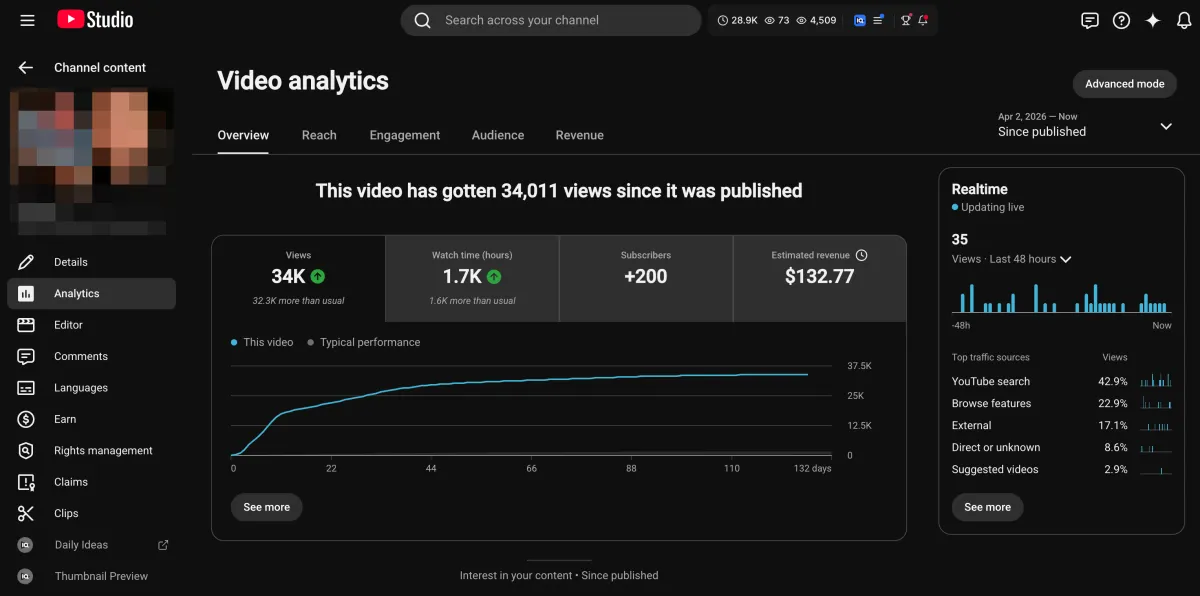
Learn how I turned a $132.77 video into $1000+ per month asset
Full case study on how you can replicate my success with YouTube SEO strategy.
Free downloadThe Zero Audience System
Build permanent YouTube income without a camera or an audience
The full methodology, 31 lessons plus bonuses. Limited spots.